01 — SNAP
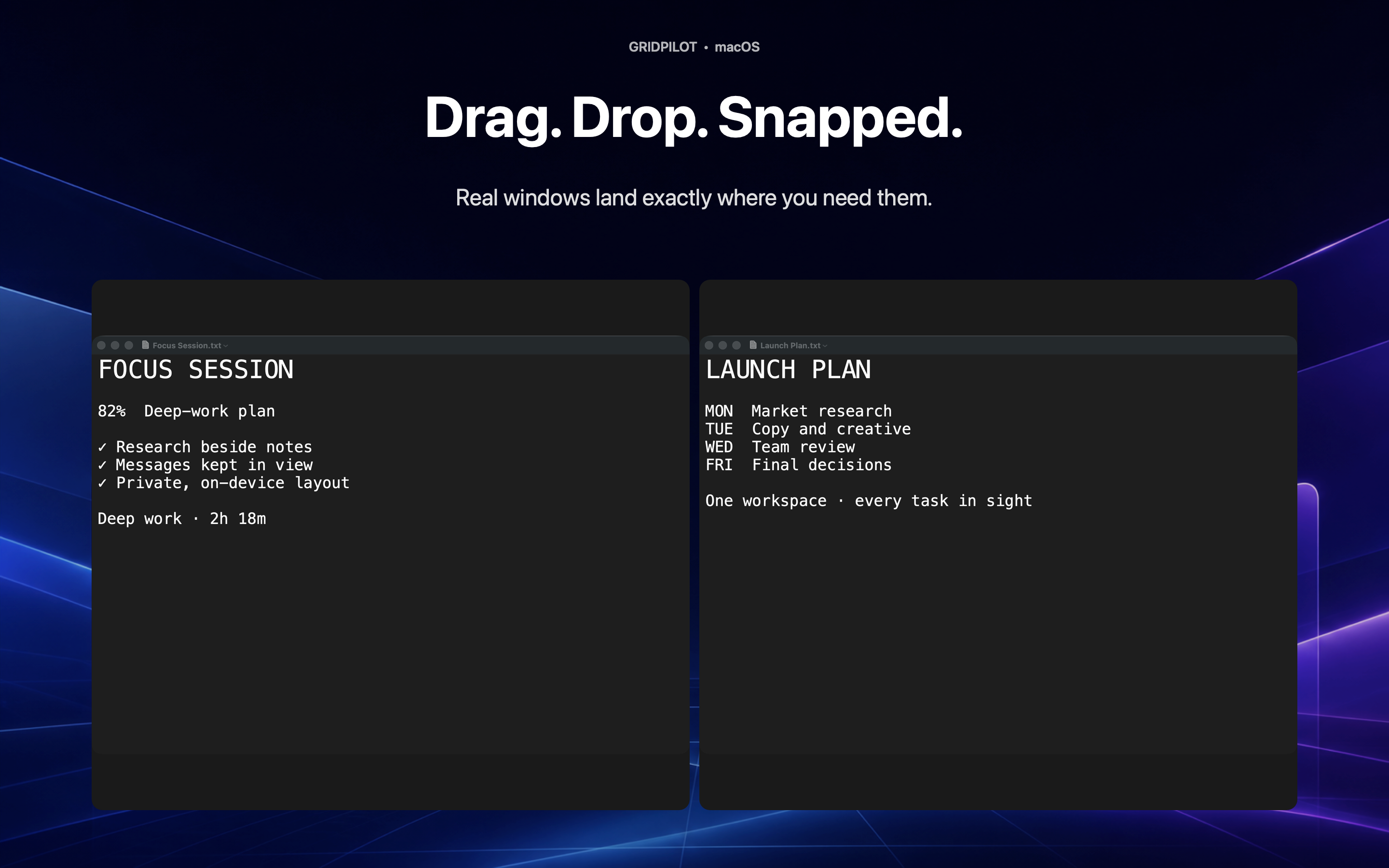
Drag. Drop. Done.
Move a real window to an edge. Live zones appear instantly, then disappear the moment it lands.
 GridPilot
A calmer Mac starts here
Snap one window, intelligently arrange twenty, or bring back an entire workspace with one profile.
GridPilot • macOS
Drag & dropSmart ArrangeProfiles + shortcutsMulti-monitor RescueREAL PRODUCT. REAL ACTIONS.
01 — SNAP
Move a real window to an edge. Live zones appear instantly, then disappear the moment it lands.
02 — SMART ARRANGE
GridPilot weighs display size, readable capacity and window priority. Run it twice and the result stays the same.
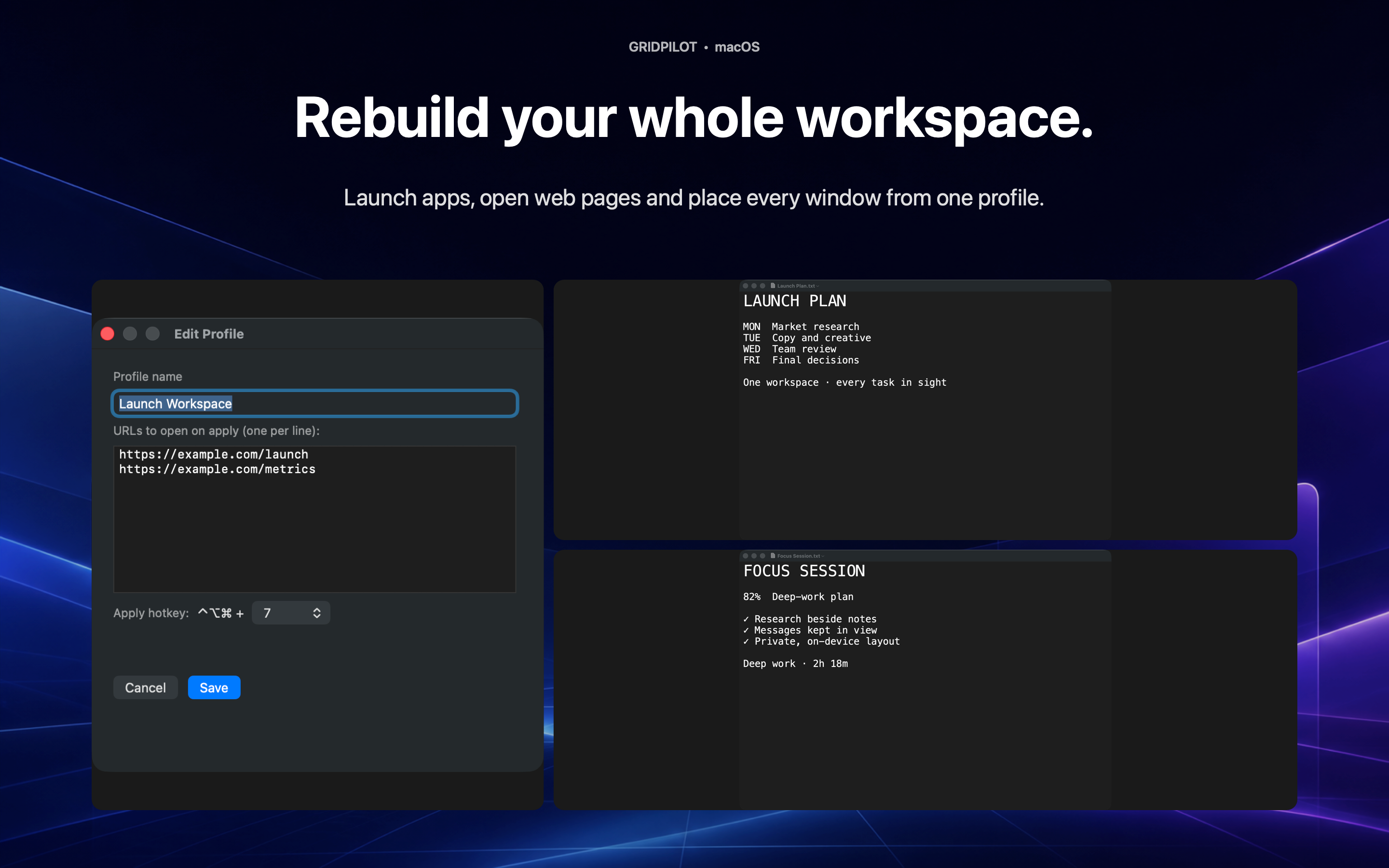
03 — PROFILES
Save a named Profile with its apps, windows, URLs and documents you chose. Assign a shortcut and return in seconds.
⌃⌥⌘7WORKSPACE MEMORY
Layout Rescue remembers each display and restores only the windows that should be visible—without reviving hidden or minimized work.
CUSTOM LAYOUTS
Build visual layouts for trading, research, development or streaming, then use them from the menu bar or keyboard.
PRIVATE BY DESIGN
No account, servers, analytics or screen recording. Window geometry and workspace data remain local.
Privacy →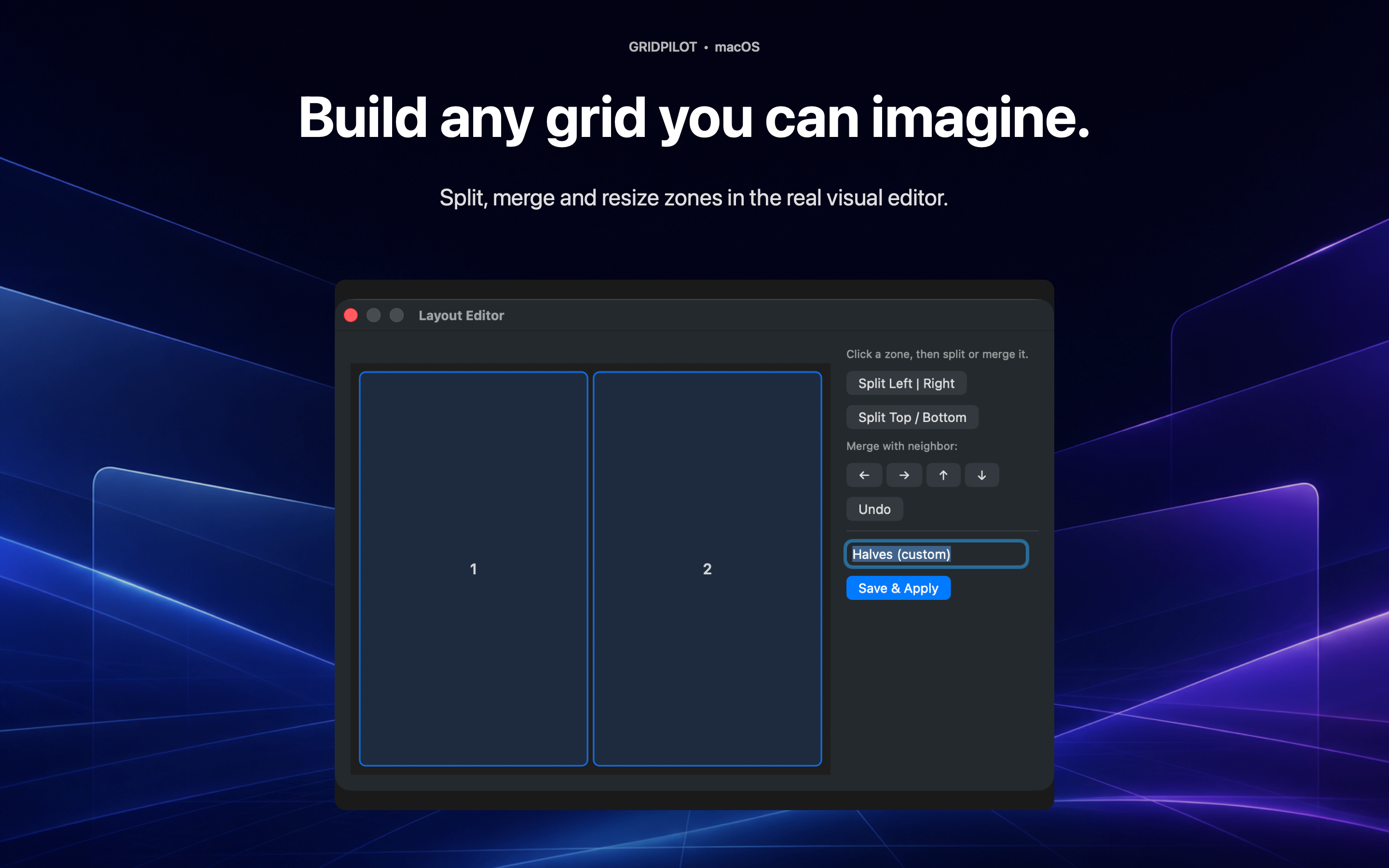
VERIFIABLE PRIVACY
No account, servers, analytics or screen recording. Window geometry and workspace data remain local.
Privacy →GRIDPILOT PRO
Try Pro free for 7 days. Then subscribe monthly or yearly, unlock Lifetime once, or keep the free Halves core.
GRIDPILOT FOR MAC
One shortcut can put your working day back in place.
Coming soon to the Mac App Store